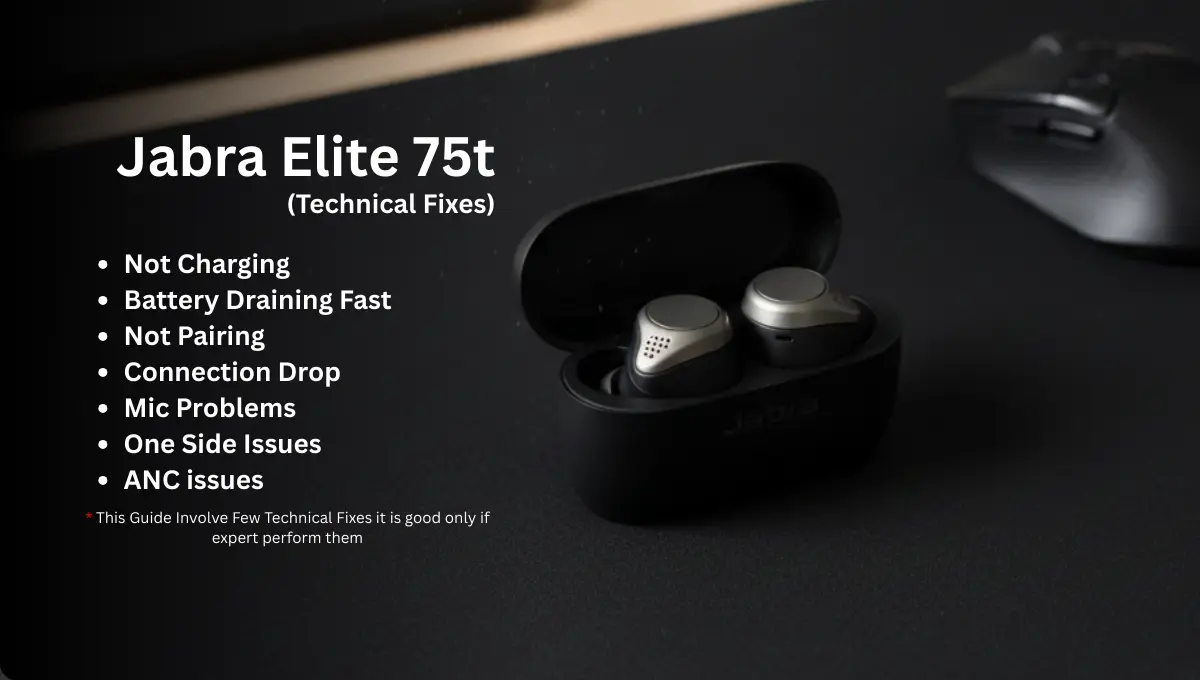
Many users face the Jabra Elite 75t not working properly, whether it’s ANC issues, fast battery drain, or one earbud failing to connect. While these earbuds offer advanced sound and active noise cancellation, real-world problems can disrupt daily use. This guide explains common Jabra Elite 75t issues and provides practical fixes, from simple user steps to expert insights, helping you restore your earbuds to optimal performance.
Few Things to Know:
Dealing with Early Issues: If you notice any problems with your Jabra Elite 75t earbuds shortly after purchase, consider using the one-year warranty for a replacement or contacting the seller for support. Early defects are often covered, and acting quickly can save you from long-term frustrations.
About Durability: The Jabra Elite 75t earbuds are designed for regular daily use, but like all electronics, their performance may decline over time. Most users find consistent battery life and audio quality for over a year of regular use. If you start noticing reduced battery performance, weaker ANC, or connectivity glitches after prolonged use of 13 or more months, it is practical to consider a replacement to maintain the best audio experience.
ANC not Working:
In practice, ANC uses tiny external and internal microphones plus a digital processor to cancel background noise. If you hear static or “hissing” in ANC mode, try simple fixes first: ensure the ear tips (EarGels) fit snugly and are clean, switch between ANC and HearThrough modes, update the firmware via the Jabra Sound+ app, and reset the buds by putting both in the open case and holding both buttons ~10 seconds. Often a reboot resolves glitches. Also check your listening volume, some low-level white noise can be normal as the ANC circuitry works. A factory reset (placing both buds in the case, lid open, hold buttons 10s) often clears odd behavior.
ANC relies on microphones and DSP inside each earbud. In the Elite 75t’s hybrid system, feedforward (outside) and feedback (inside) MEMS mics detect noise and drive anti-noise signals. For example, one microphone sits at the outer face of the driver (as in the illustration above), listening to ambient sound, while another near the speaker tunes out residual noise.
Over time or due to software bugs, the ANC DSP can misbehave, producing a low-level hiss or uneven noise cancellation. In technical terms, the Elite 75t uses tiny analog circuits and a digital audio chip on its PCB to run the ANC algorithm. If noise persists after resets, the cause could be a failing microphone capsule or a software glitch. Opening the earbud (not usually recommended for users) would reveal the microphone elements and integrated circuit shown above. A technician might test each MEMS microphone or reflow solder joints on the board. However, without specialist tools it’s safest to avoid dismantling these waterproof-rated earbuds.
If ANC issues cannot be fixed by resets or cleaning, professional service may be needed. (As with any electronics, you could void the warranty by opening the earbuds.)
Battery and Charging Issues:
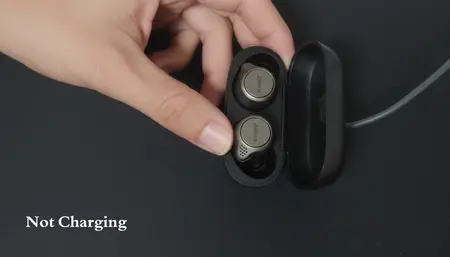
Battery life is a common concern. Users may find the Elite 75t draining quickly or one bud dying much faster. First, try basic steps: fully charge both earbuds and the case (up to 3 hours), and confirm they’re charging at all. Clean the charging contacts on the earbuds and in the case with a soft, dry cloth. Use only the supplied USB-C cable or a 5 V/2 A USB charger; higher voltages can harm the battery. In the Jabra Sound+ app, disable any unnecessary features (like extreme ANC) and ensure sidetone or ambient noise features are set as you need. Store the case between 20°C and 45°C extreme heat or cold can kill battery longevity.
If a bud still dies very fast, perform the recommended reset procedure (earbuds in case, hold both buttons 10s) and then allow a full 2-3 hour charge. Sometimes the companion app will show both earbud battery levels; if one is significantly lower, swap them in the case and charge again to balance them.
Internally, each Elite 75t earbud contains a small 3.7 V lithium-ion battery (around 60-70 mAh) soldered to a tiny PCB. The internal view above shows a similar headphone battery pack. If battery drain persists after normal troubleshooting, the cell may have degraded or the charging circuitry may be at fault.
Over time Li-ion cells lose capacity, especially if stored, discharged or used in high temperature environments. Technically, a failing cell can sometimes be replaced, but Jabra does not consider the earbuds’ batteries user replaceable. The official specs only list “Rechargeable lithium-ion battery”. A technician would carefully pry open the earbud shell, de-solder the old cell, and attach a new one of the exact size. They would also test the earbud’s charge controller and protect board. Beware: these batteries are very flat and fragile; mishandling can cause short circuits or even fire. On the circuit board, one can see the tiny charge controller chip and spring contacts for the case’s pogo pins. If a contact is bent or corroded, an earbud might not charge properly. A service technician will inspect these solder joints and springs.
For most users, battery replacements aren’t practical at home. If simple fixes didn’t help, consider professional repair.
Pairing and Connection Problems:
If your Elite 75t are not pairing or not connecting to devices, start simple: remove (“forget”) the Jabra from your phone or PC’s Bluetooth settings. Then power cycle your phone and put both earbuds back in the open case. Now, press and hold both earbud buttons for about 10 seconds, the LEDs will flash (pink on reset, then blue when in pairing mode). This resets the earbuds and clears old pairings.
Afterwards, turn on your phone’s Bluetooth and pair again. If that fails, use the Jabra Sound+ app to update the firmware or reload it by selecting the voice guidance language and following “Update now” instructions. Ensure the case has enough battery too, if the case itself is empty, none of this will work. Try charging the case separately (plug it in with lid open and watch the battery LEDs light up after a few seconds). Also check for wireless interference: remove other nearby Bluetooth devices or switch phones to airplane mode except for Bluetooth.
Internally, the connection relies on a Bluetooth System-on-Chip (SOC) and antennas on each earbud. A trained technician will reflow solder on the Bluetooth chip or antenna pads, or replace the Bluetooth module if removable. Sometimes one bud “forgets” how to sync with the other; in that case the reset procedure normally fixes it by re-establishing the wireless link. Rarely, the earbuds’ internal clock or memory can get corrupted.
Again a reset (and re-pairing one earbud at a time, if needed) typically restores communication. If the phone cannot even “see” the earbuds in pairing mode, verify you followed the exact LED signals, the right bud usually flashes blue in pairing mode. If the LED behavior is abnormal, that points to a firmware or hardware issue. In the case of persistent failure, the USB-C charging port (as shown above) or power management circuit might be checked, for instance, if a bud isn’t charging it can’t power on to pair.
Most pairing issues can be resolved by these user level steps, but if the Elite75t still “refuse” to connect, professional help is recommended.
One-Side and Microphone Not Working Issue:
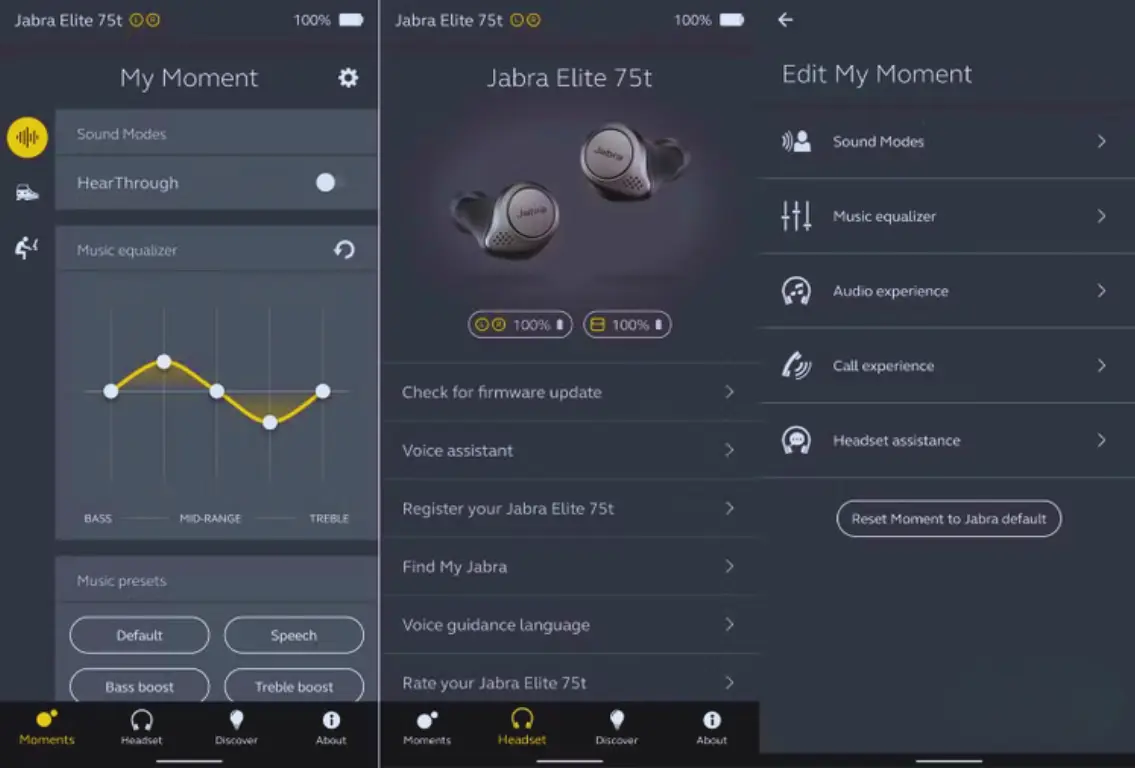
Another common complaint is that one earbud stops working, especially the left earbud (no sound ornot turning on ) or the microphone isn’t working (others can’t hear you well). For a silent left or right bud, first swap it in the case: if the right bud’s green light blinks when the left is in the left slot, but still no sound, the earbud may have failed hardware. Often, one bud simply had no charge, try charging it alone. Also check for equilizer setting in the Jabra Sound+ App when one side not working.
Clean the ear tip and speaker grill in case earwax is blocking sound. Also inspect the charging contacts: tiny dirt or corrosion on the gold pogo pins can prevent power transfer. If that doesn’t help, do a full reset and repair both buds. Confirm the affected bud is recognized: in mono mode, the working bud should still play sound.
The Elite 75t actually has four MEMS microphones (three per bud): two are used for ANC and four for beamforming during calls. If your voice sounds muffled or quiet to others, one or more mics may be failing.
Phone call issues often stem from the “call” microphone and the ANC microphones working together. A simple trick is to toggle the Sidetone (hearing your own voice) in settings or to try calling with only one bud in mono mode to isolate the bad unit. If the left bud’s mic is bad, only the right ear mics will pick up sound, which may sound distant. A technician could open the casing to test each MEMS mic with an oscilloscope or replace a microelectromechanical sensor, but this is very delicate work. In some cases, firmware issues can also muffle voice (“stormdrain” effect), a reset improves it; that same reset procedure applies for mic issues.
If an earbud’s speaker fails entirely (no sound), the cause might be a blown driver or loose wire. The driver itself is bonded to the shell, so replacement is hard. A technician might re-solder the tiny flex cable or even transplant a new speaker if they can source one. However, this is beyond most users.
Repair Service Providers:
If your jabra elite 75t warranty has ended then you should contact the following service providers.
| Region / Country | Service Provider & Link |
|---|---|
| USA | Electronic Repair Company |
| UK | Direct Headsets |
| Europe | HiFi-Reparatur |
Conclusion:
In summary, hardware failures (dead earbud or mic) generally require expert attention. If an easy reset didn’t fix it, seek professional repair or warranty exchange. This is especially true if your case or buds are still under warranty. Otherwise, you now know the internal parts at fault: tiny lithium cells, MEMS microphones, drivers, and PCB circuits. Armed with this knowledge, you can communicate effectively with technicians.
And always remember: many issues turn out to be solved by cleaning, updating, or resetting first. If those fail, reputable repair services (e.g. Smart Choice Repair Center in the USA, FixHeadphones in the UK, or similar EU services) are available to extend your earbuds’ life. By following these steps, most Jabra Elite 5 users can get back to clear sound, robust ANC, and reliable performance.